 Ignacio Macri
Learn 3D with Blender Fundamentals 4.5 LTS, the free introductory course from Blender Studio.
Open the courseOnline, self-paced and suitable for beginners in Canada. The course opens on Blender Studio; Ignacio Macri is an independent guide.
Blender
Fundamentals

You do not need a spectacular first project. You need a small scene you can understand, change, and finish.
The course. Blender Fundamentals 4.5 LTS is an official Blender Studio introduction to working in 3D. Its text, images and short videos let you pause beside the tool you are trying to understand.
The starting point. Learn to navigate a scene, select objects and save your work. Then explore modelling, materials, lighting and rendering. Start with First Steps; you can return to the wider course later.
The commitment. Work in small sessions on a compatible computer. Our practice prompts take roughly 20–40 minutes; these are editorial estimates, not a promise from the course provider.
The honest limit. This is an evolving course, with some chapters still in progress. It is a learning resource, not an accredited Canadian qualification or a guarantee of paid work.
Source: Blender Studio’s course announcement and official course overview. Reviewed 26 October 2026.
What you’ll learn
The official course introduces the work that turns a scene into an image. Follow the foundations in order, then use the later chapters when your project needs them.
Explore the full programme- Get comfortable in 3D
- Navigate the viewport, select and transform objects, organise collections and save your work.
- Give objects a shape
- Explore modelling tools, sculpting and UV unwrapping. Learn which tool addresses the form you are trying to build.
- Make a scene readable
- Study materials, shading, light types, camera settings and render output. Connect each setting to something you can see.
- Explore a wider workflow
- Continue into rigging, animation, Geometry Nodes, compositing and video editing as the course develops.
Free lessons.
Your own pace.
The introductory course is available online from Blender Studio. Its text, images and short videos let you revisit a step while working in Blender.
Start with a compatible computer and Blender. The software is free; check its system requirements before installing. No account is needed on this guide.
Blender Studio’s separate subscription is optional for this recommendation. Check the provider’s current access conditions; some course chapters are still being developed.
Open the courseYou’ll continue to the official provider. We do not sell the course or collect enrolments.
A smaller first project
Pick one ordinary object. Change the silhouette before you chase the surface. Save a version you can return to.
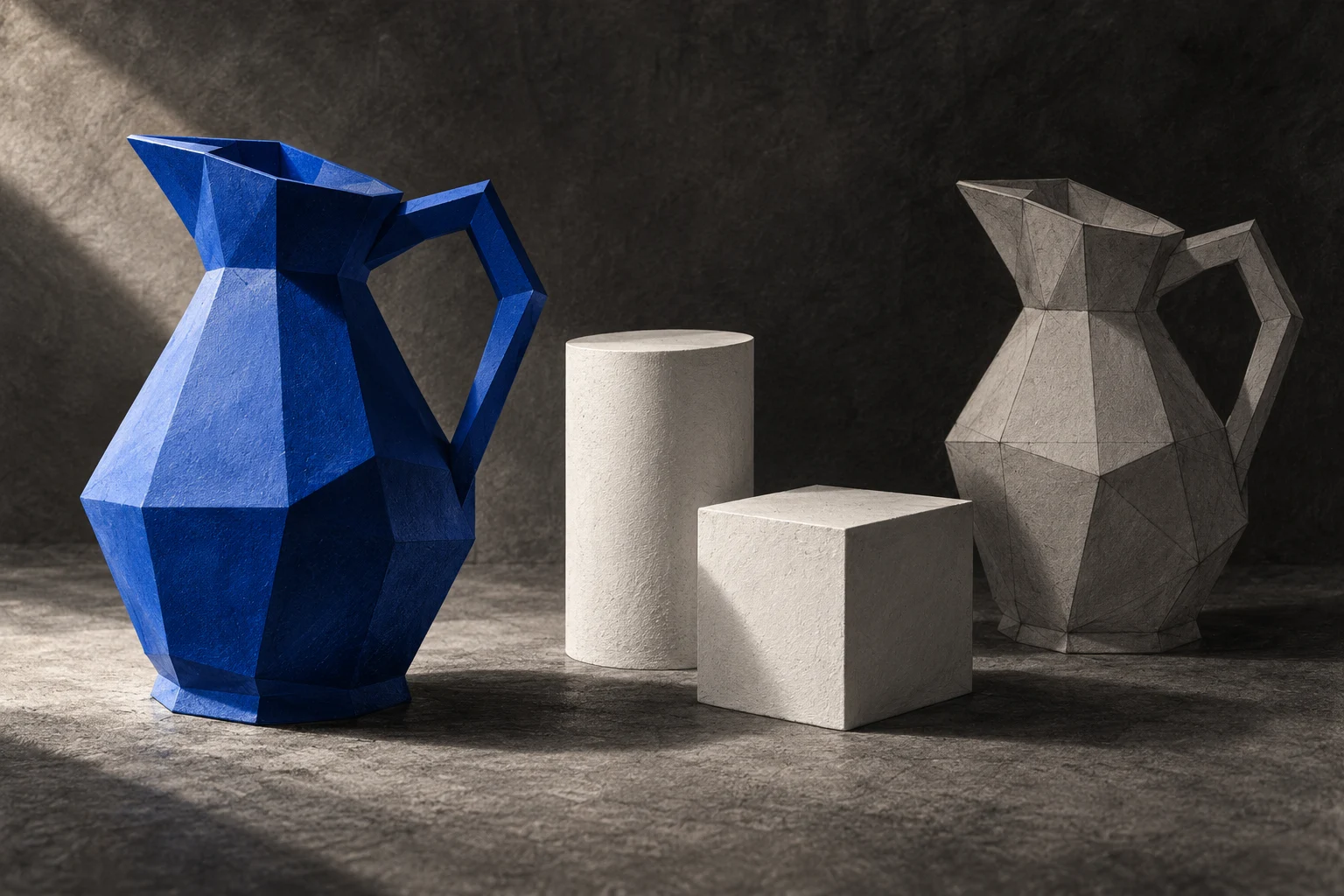
Make a study, not a masterpiece.
A cup, a bookend or a small planter gives you something concrete to compare with. Can someone recognise it from a distance? Does it sit on the ground? Does the light explain its shape?
Those questions teach more than adding ten materials to an object you have not yet learned to control.
Choose today’s focus
Try a navigation rehearsal. Orbit around a cube, inspect it from above, and return to a view you can recognise. Then find the cube in the Outliner.
Your checkpoint: explain which action changed your view and which changed the object.
From the blog
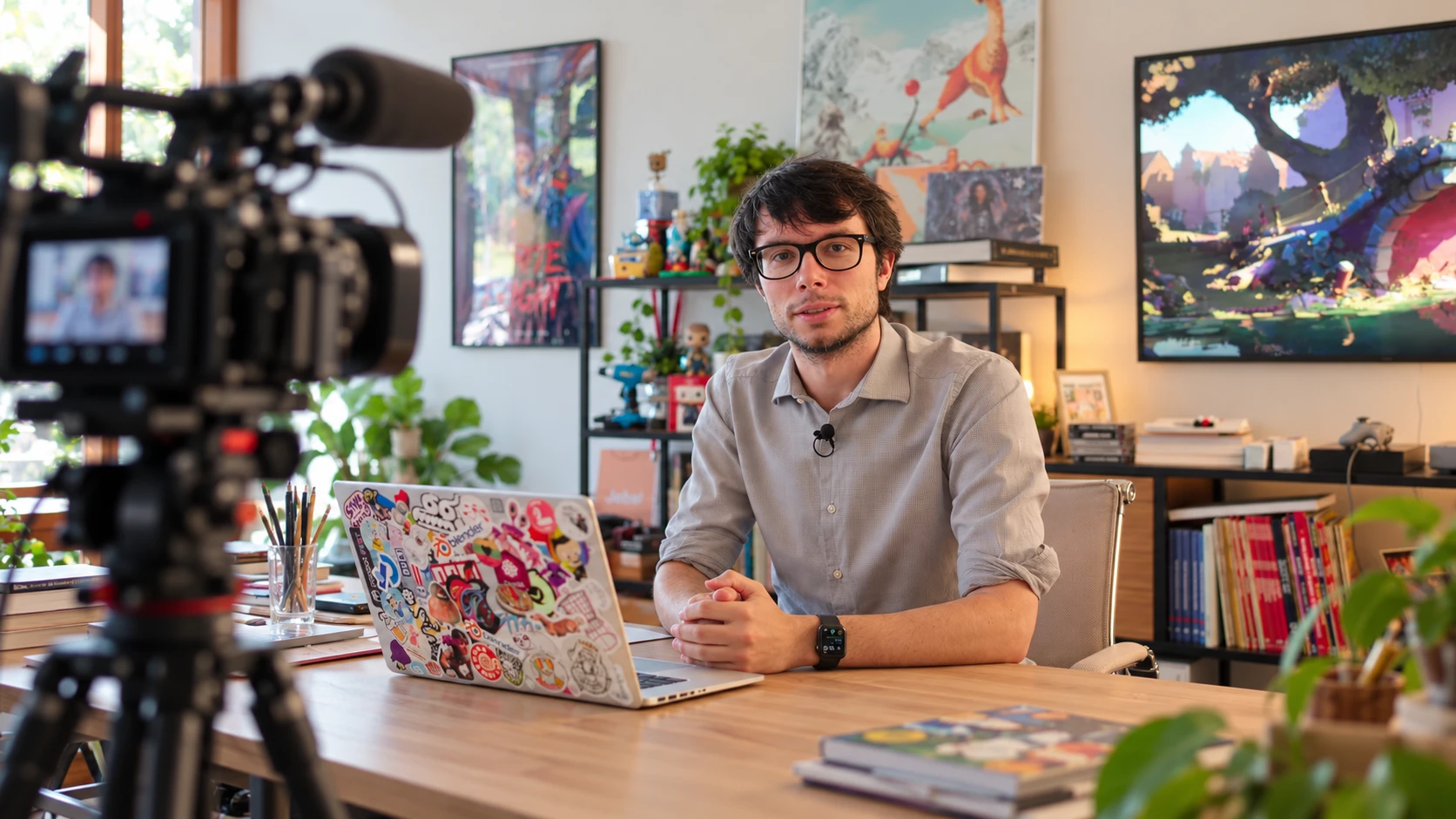
Two practical studies and a video companion for your first scenes. Read a little, make something, then come back with a better question.
Start with the silhouette
A small modelling study that keeps details from taking over.
Read the practice guide →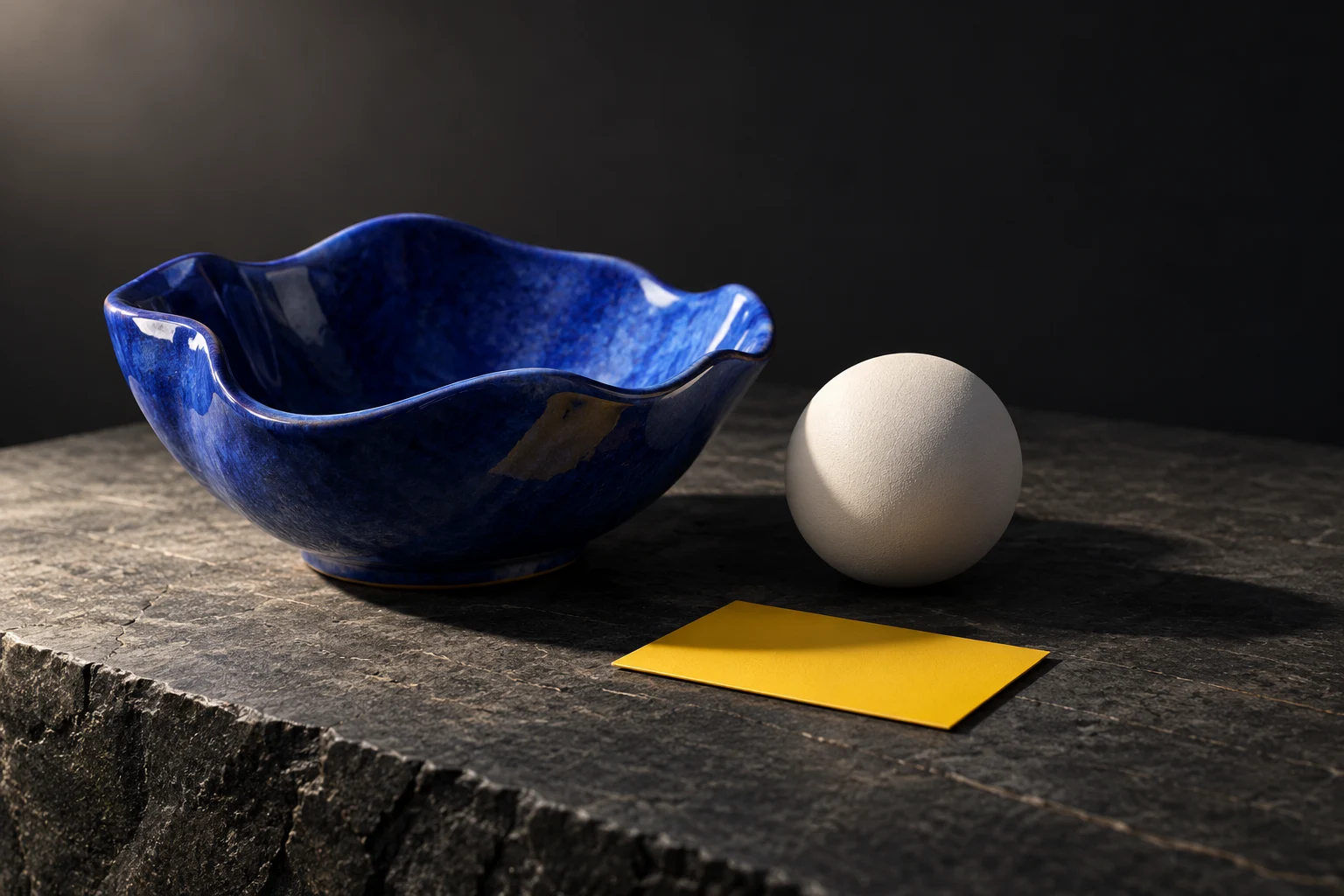
Is this your next step?
A good fit if you want to make objects and images, and can tolerate a little trial and error.
You can start without previous 3D experience. A mouse and keyboard make navigation easier; check Blender’s current hardware requirements before installing. The lessons are online, so you can study around your own schedule in any Canadian time zone.
Choose another path if you need a live instructor, a formally assessed credential, or a course dedicated to one specialised production workflow. The official fundamentals offer a broad introduction.
Check Blender’s system requirementsBefore you begin
Does the course cost money? The linked introductory course has freely accessible lessons. Blender Studio also sells a separate subscription. Check the course page for current access details; this site takes no payment.
Do I need to buy Blender? Blender is free and open-source software. Download it from blender.org, and check your computer’s compatibility first.
Which version should I use? The course is titled Blender Fundamentals 4.5 LTS. Individual lessons can be revised. Match the version guidance in the lesson you are following; some menus may differ in newer releases.
Where should I begin? Start with the course’s First Steps chapter. Our practice guides give you small exercises to use alongside those lessons.
Is there a certificate? We do not advertise a certificate for this resource. Treat it as self-directed practice, and verify any credential requirements with your school or employer.
Do I need an account here? No. Read the articles and use the practice selector without signing in. Your selection stays in the current browser page and is not sent to us.
Is this a Blender website? No. Ignacio Macri is an independent editorial guide. The course and downloads belong to their respective providers.
What should I make first? Begin with one object built from simple forms. Save your work, make one change at a time, and write a sentence about what improved.
Open Blender.
Make one thing.
Your first useful result can be a plain object, clearly lit, saved in a place you can find again.
Open the courseYou will leave this site for Blender Studio. Referral parameters identify this site; no commission relationship is claimed.